Download
Version 0.1.3. Free to download and keep using. Try every feature for seven days. No account or card required.
Apple Silicon and Intel Macs, Windows 10+, Linux x86_64, iOS 17+, Android 10+
Install with one command
One command to install the latest version. No license key needed to download.
curl -fsSL https://downloads.querybench.app/install.sh | bashmacOS and Linux. Windows support is coming soon.
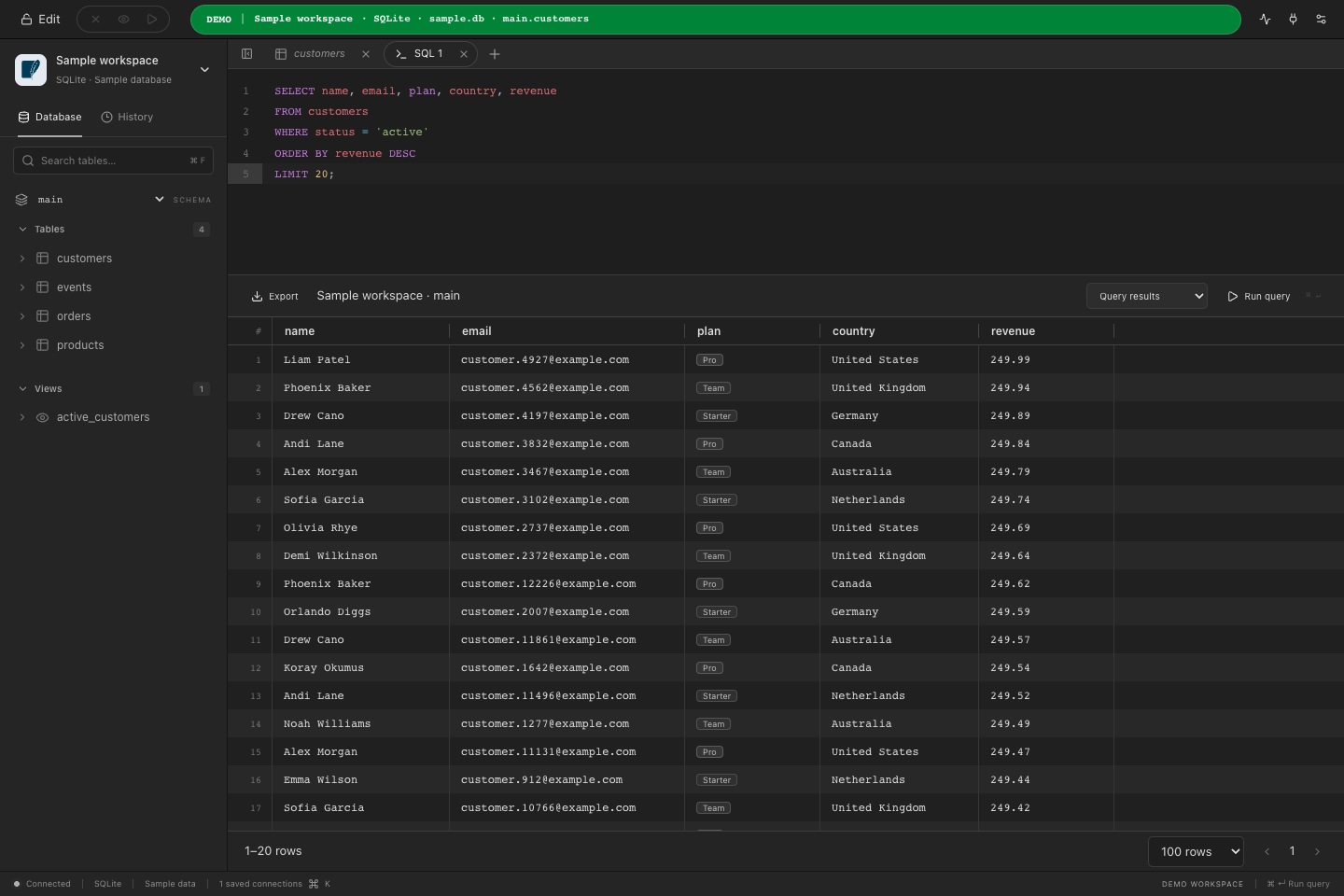
A little SQL. A clear answer.
Write queries, inspect results, and explore the included sample database.
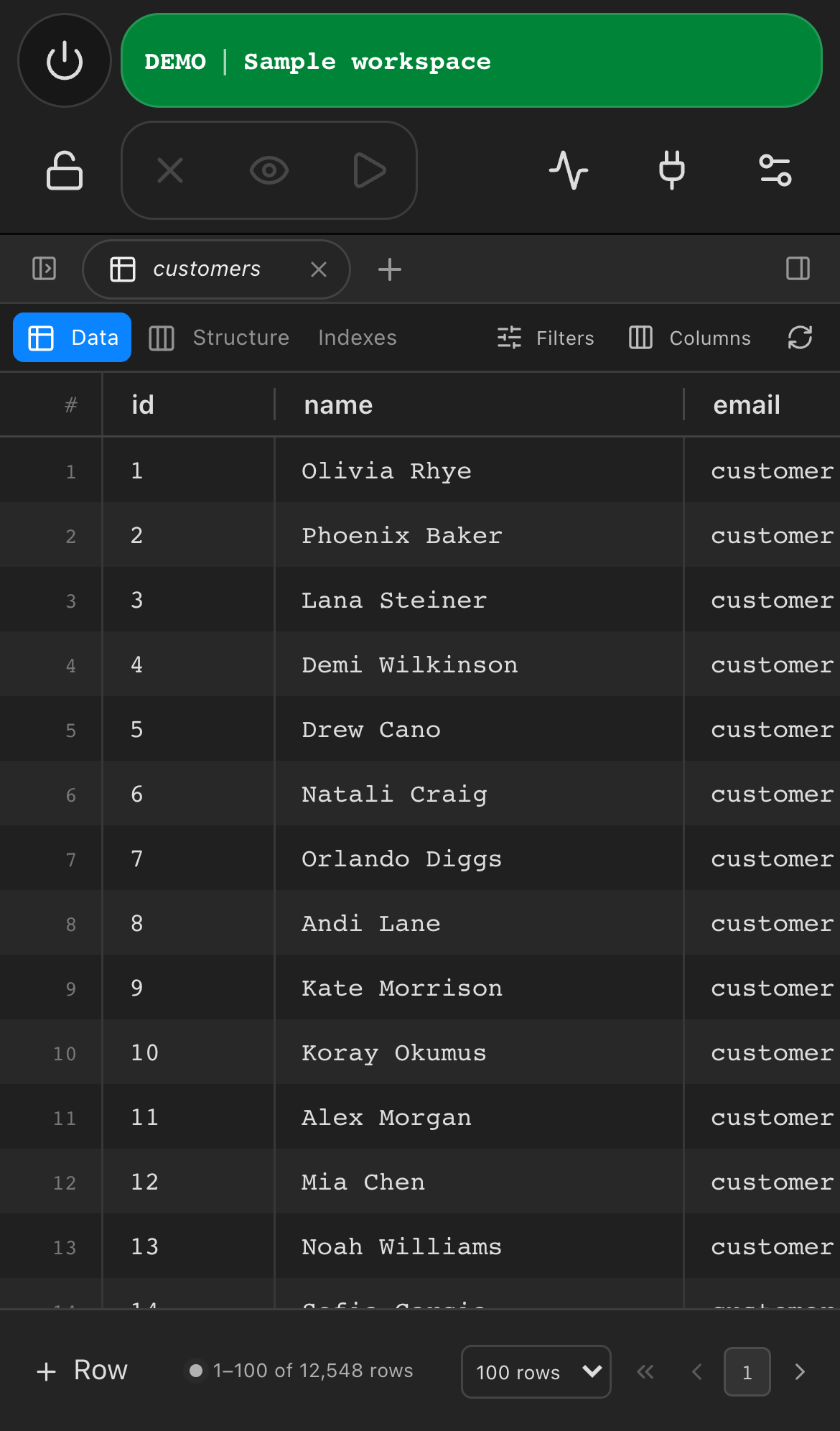
Even on your phone.
System requirements
macOS
Apple Silicon and Intel, macOS 12 or later
Windows
Windows 10 or later, 64-bit
Linux
tar.gz for x86_64; Ubuntu 24.04+ or glibc 2.39+, GTK 4.14+ and WebKitGTK 6
iOS
iPhone and iPad, iOS 17 or later
Android
Android 10 or later
Tried the sample workspace?
Every install ships a SQLite sample database, so you can explore the grid, staged edits and the editor before connecting anything real.
Frequently asked questions
What is the technology stack behind QueryBench?
QueryBench is built with Wails 3, Go, React, TypeScript, shadcn/ui, Tailwind CSS, CodeMirror and TanStack Virtual. The Go backend talks to each database through its native driver, and the interface runs in the operating system's own webview.
Where does QueryBench store my connections?
Connection metadata lives in your user configuration directory, for example ~/Library/Application Support/QueryBench on macOS, written atomically with owner-only permissions. Passwords go to the OS credential store: macOS Keychain, Windows Credential Manager or Linux Secret Service.
Does QueryBench collect connection or database information?
No. QueryBench does not send your connections, queries, results or credentials anywhere. Query history keeps the last 50 SQL statements locally and never stores results.
What is different on iOS and Android?
Phones keep connection management, the data grid with staged edits, structure inspection and the SQL and command editors. Import, export, connection archives, database backups and the MCP server are intentionally desktop-only.
How do I install on Linux?
Extract the tar.gz archive and run QueryBench/querybench, or use the one-line installer. Ubuntu 24.04 or newer with GTK 4.14+ and WebKitGTK 6 is required. Passwords are stored through the Secret Service API, so a keyring such as GNOME Keyring or KWallet must be available.
Where do I find the changelog and report bugs?
Release notes are published in the documentation. To report a bug or request a feature, email support@querybench.com with your QueryBench version, operating system and the database engine involved.